

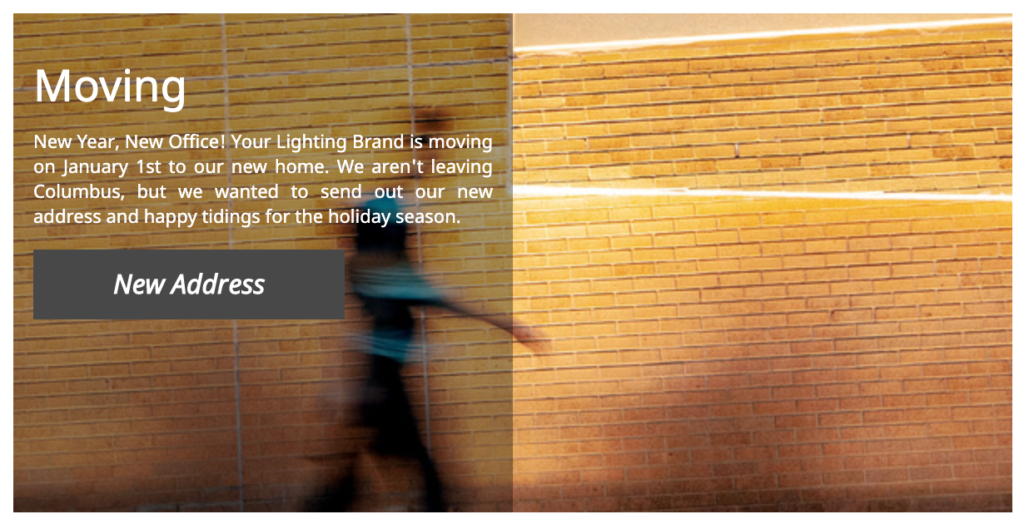
Advertisement banners are a PRO Level tool used by manufacturers to promote products and events within the different categories of your Agents’ line cards.
In order to add or edit a banner use the left hand navigation to select Promote, Advertising Banners, and then the product category you wish to work within.

Your team can feature one banner per category at a time and this appears on your Agencies’ line cards as well as within the portal. Just select the Add Banner button to get started.
Once you click that button, you will be prompted to enter a banner name, URL, marketing message, button text and image. Images should not have any text and will be cropped to a 300×600 ratio.

Once you’ve cropped the image, you’ll preview the banner and select to either publish or save as a draft. Selecting Publish & Feature is the best option for new banners as this is how you push them to your Agents websites. In general, we recommend featuring a banner ad for 60 days at a time for the best engagement with your customers!
Analytics for Banner performance can be seen on the Banner Ad page for each category or they can be viewed all together within the Performance Reports.
TIP: You have the option of adding a different banners to each product category but some users prefer to add the same banner to every category. They do need to be manually entered to each section, however, it’s a great way to promote overarching events or updates that apply to all customers.