
Individual products can be featured on your Agent’s websites by clicking on “Promote” in your sidebar and selecting “Featured Products”. You will then be able to select six products to feature at any given time (per brand).


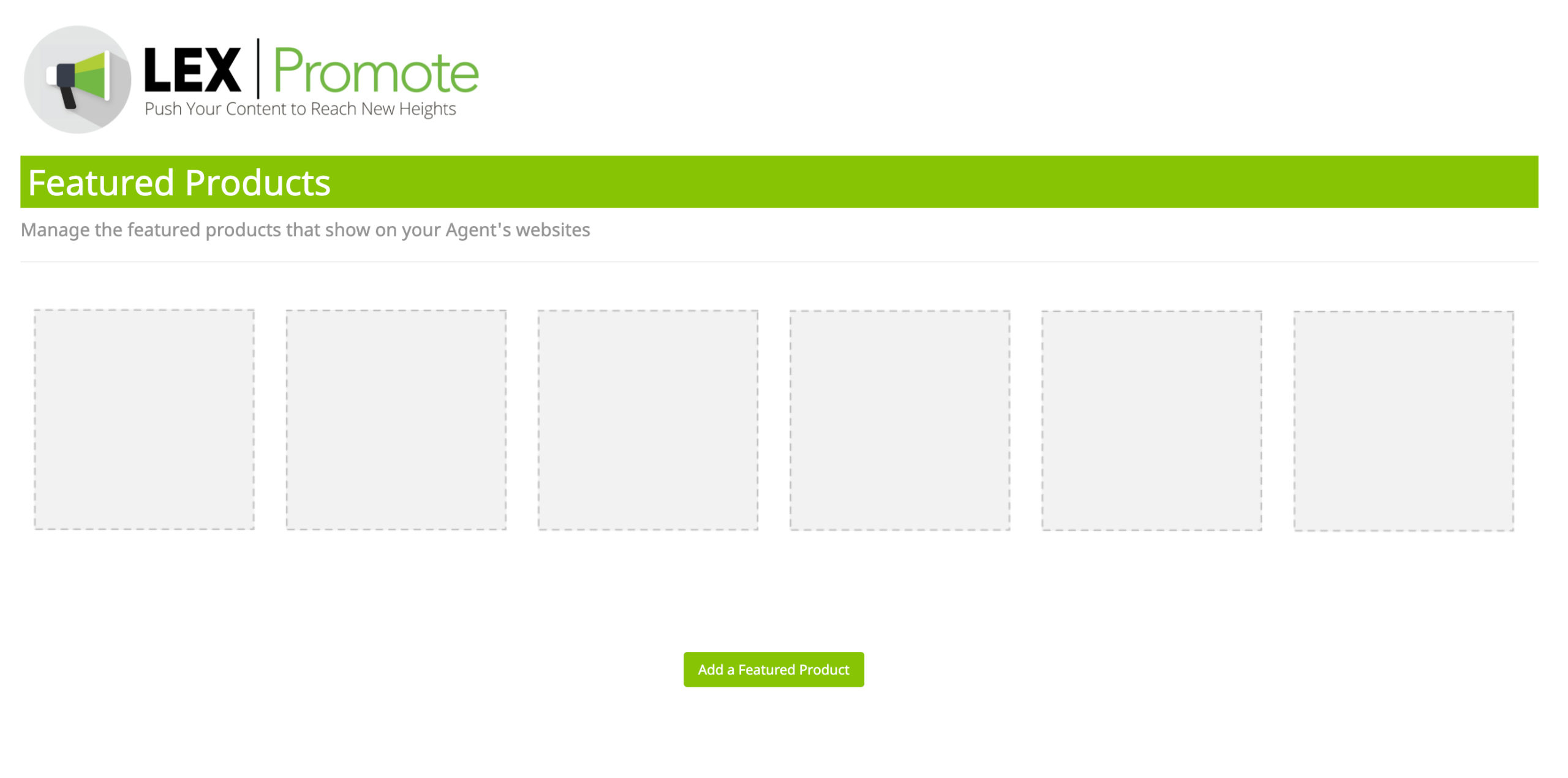
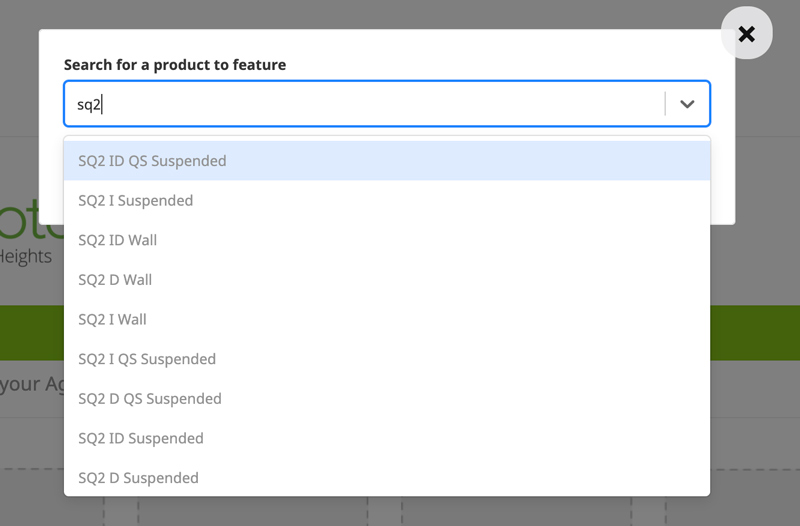
Click on the green button labeled “Add a Featured Product” in the lower center of the page. Here you can start typing the product’s name and then select the appropriate product that you would like to feature.
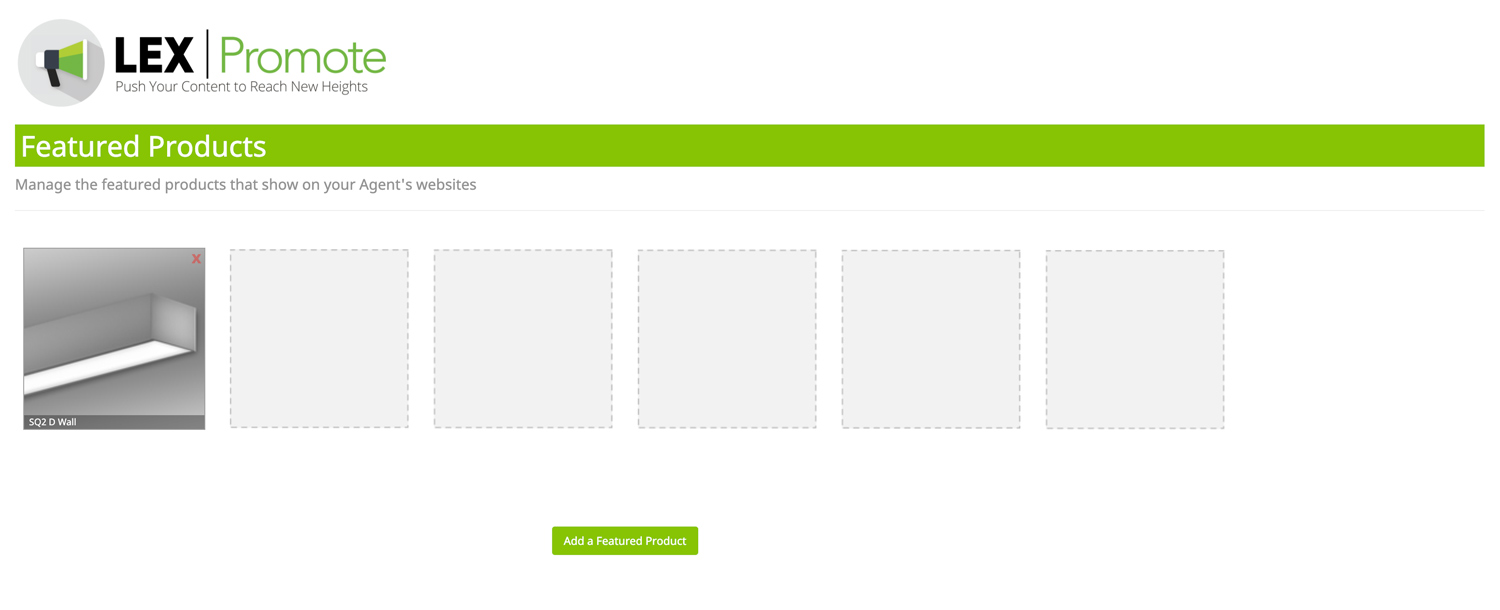
You can feature up to six products at any given time and you can control product priority as well. To order the products, simply click and drag the product to the box of choice.
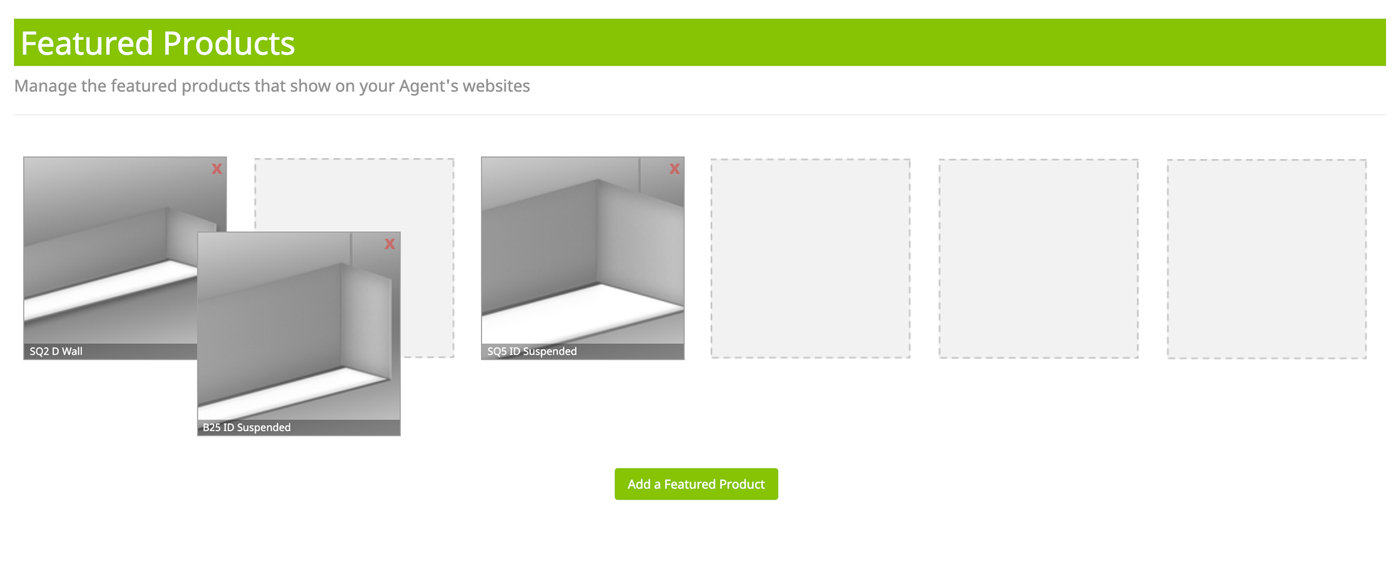
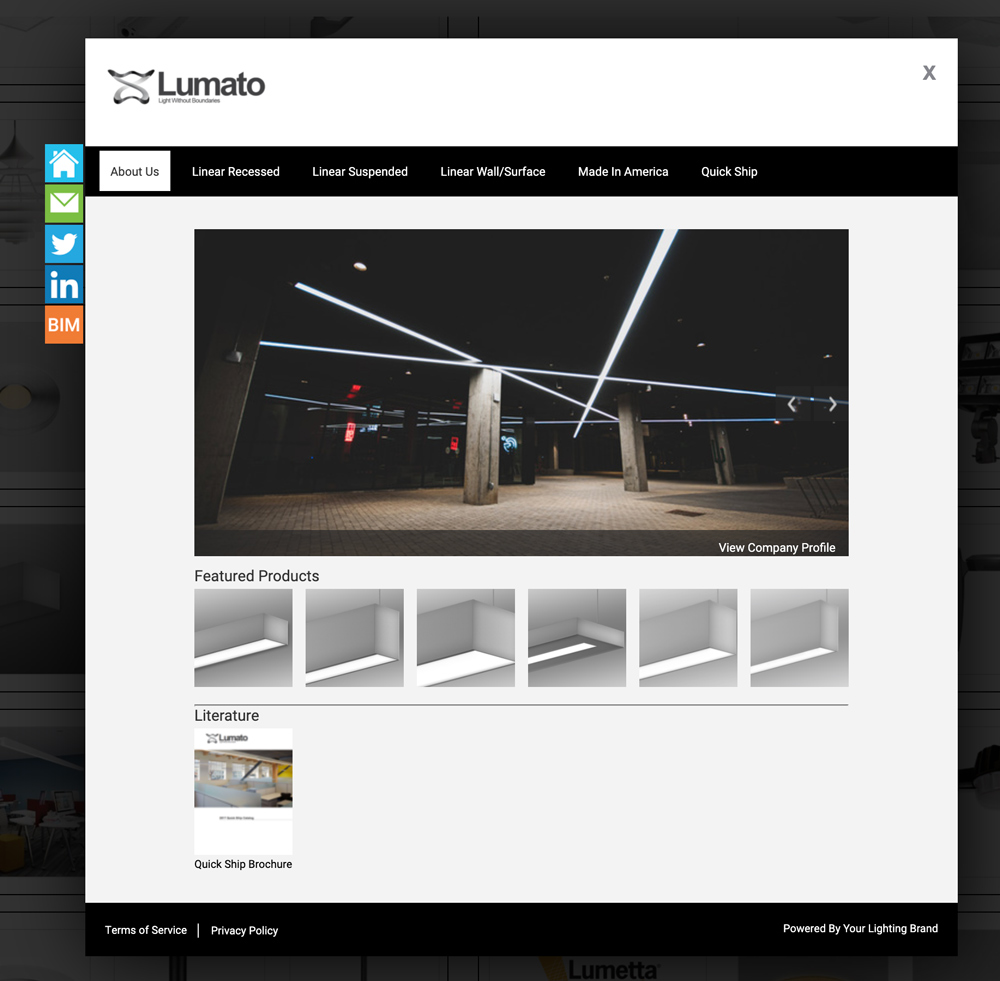
Now all of your featured products will be displayed in your main profile on your Agent’s websites.
*** If you do not feature all 6 available product openings, the remaining products will automatically be inserted randomly to fill the 6 spots ***
Your featured products will show in two different ways, depending on an agency’s style of line card. Our classic version of the line card will show your manufacturer profile in a pop-up modal like this:
Our newest line card style will showcase your featured products in the manufacturer’s profile of the manufacturer search of the agency’s line card, like this:
