

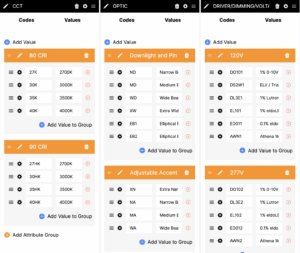
Attribute Groups provide an efficient way to organize sub-groupings of product codes and values within a single attribute. This feature allows manufacturers to categorize related options logically, making it easier for users to navigate and select appropriate configurations.
How to Create an Attribute Group
To create an Attribute Group, follow these steps:
1. Navigate to the Ordering Logic section.

2. Click the “Add Attribute Group” button.
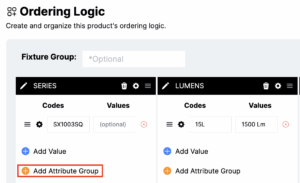
3. Enter a descriptive name for the group.
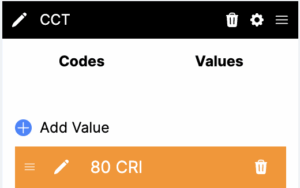
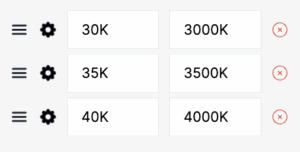
4. Add relevant product codes and values to the group.
Example Attribute Groups
For better organization, consider the following example of attribute groups under the attribute CCT (Correlated Color Temperature):
- Dynamic Color
- RGB
- RGBW
- Tunable White
- Static Color
- 3000K
- 3500K
- 4000K
- 5000K
By structuring attribute groups this way, users can quickly differentiate between dynamic and static color options when configuring products.
Pro Tip
You can easily drag and drop product codes from one group to another, allowing for a flexible and efficient way to restructure your attribute organization as needed.